20 use cases
Pick the management software. We do not pick it for you.
Each card is a desk a client can run on DS Office. Forms and collections sit underneath. The product they buy is the system they named.
Inside DS Office
The client picks the software. You still see one product.
Project → collections → dashboard → form → Drive. Same pattern for payroll, assets, a law desk or a school. Forms do the work underneath. The screen the team opens is management software.
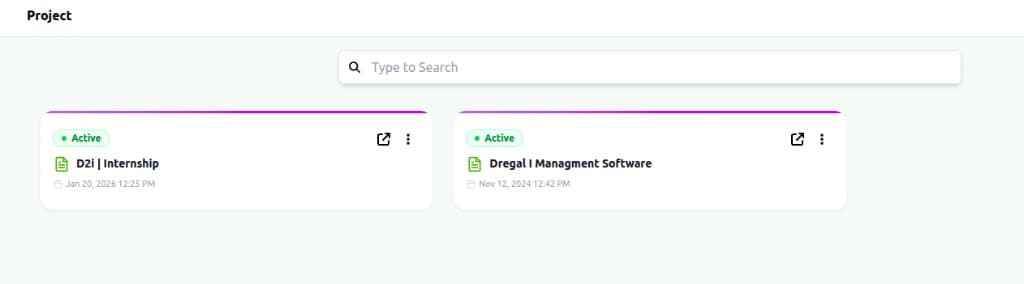
Projects — one workspace per company
Open a project. That is the firm. Everything else lives inside it.
The honest comparison
Why operators pick DS Office
Depth that used to mean a multi-year programme — sized for firms that still answer their own phones.
| What you care about | DS Office | Traditional suites |
|---|---|---|
| What you buy | A management system you compose | A catalogue of modules |
| How it is built | No-code collections, forms, logic | Consultants and custom code |
| Company flow | Payroll, assets, HR, legal — one project | Separate products, exports |
| Documents | Templates + file-name builder | Locked print layouts |
| Go-live | Weeks | Often 12–18 months |
| Coming soon | Prompt in English or Kannada | Still a form for every record |
14 days. No card.
Bring the desk you already run. We will put it on one canvas.
DS Office is no-code management software: payroll, assets, HR, legal, billing — whichever desk you pick — on one workspace.